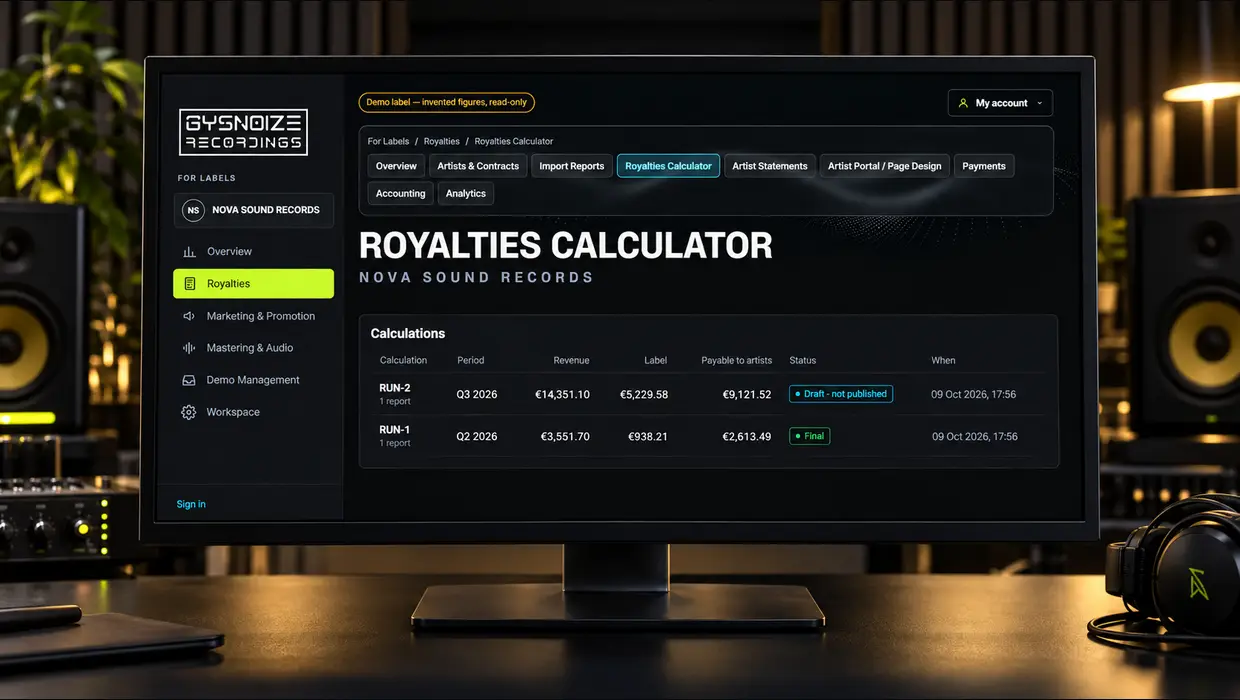
Royalties you can follow
Distributor reports, contracts, splits and recoupment in one workflow. Review each run before publishing statements.
Explore royalties →

For Labels
Manage your royalties. Support your artists.
Create, promote and prepare your next release.
One workspace for your label, your team and your catalogue.
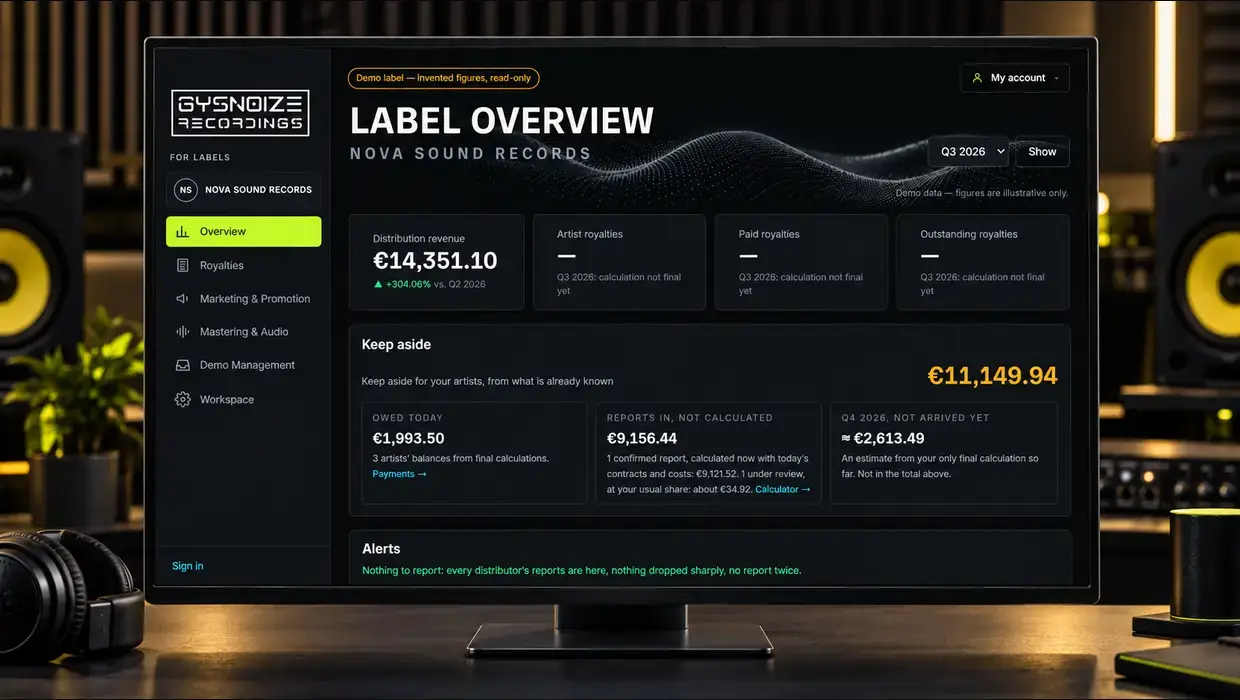
Royalties, contracts & artists
Artwork, audio & promotion
Demos, reviews & your team
Based on the actual label tools.
Explore the read-only demo at your own pace.
Distributor reports, contracts, splits and recoupment in one workflow. Review each run before publishing statements.
Explore royalties →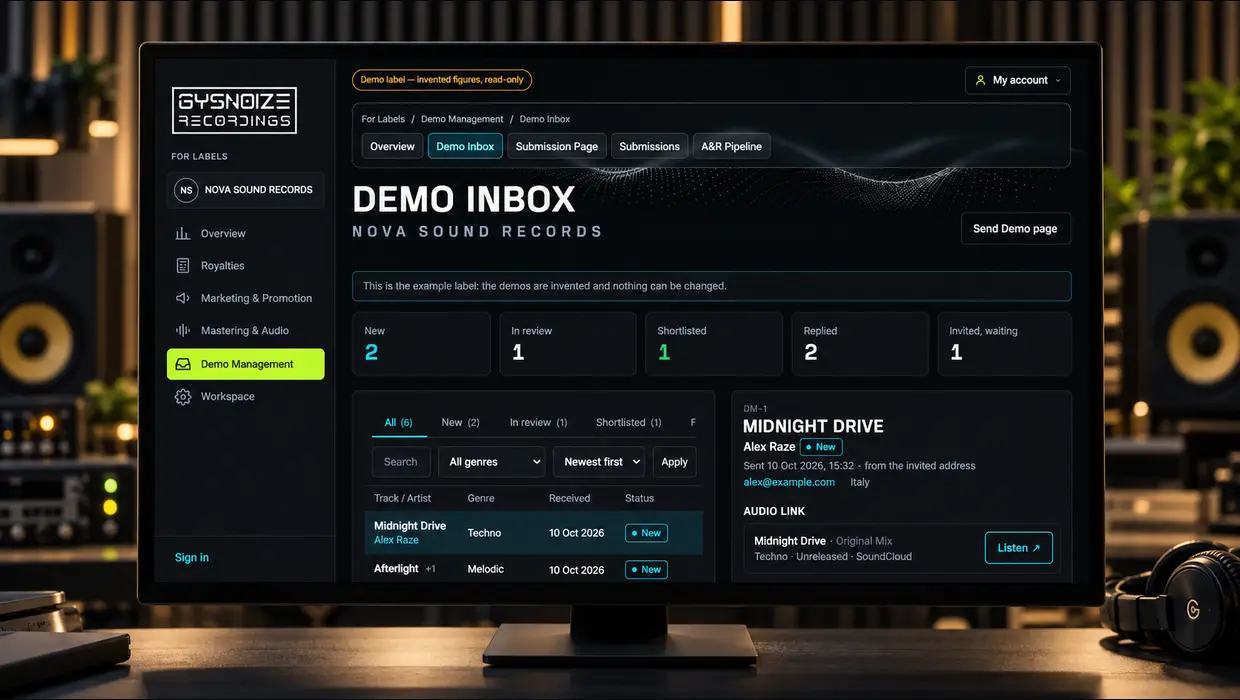
Receive invited submissions, listen, leave private notes and follow tracks from new to reviewed and shortlisted.
Explore Demo Management →AI-created promotional images based on the real workspace. Demo names and figures are illustrative.
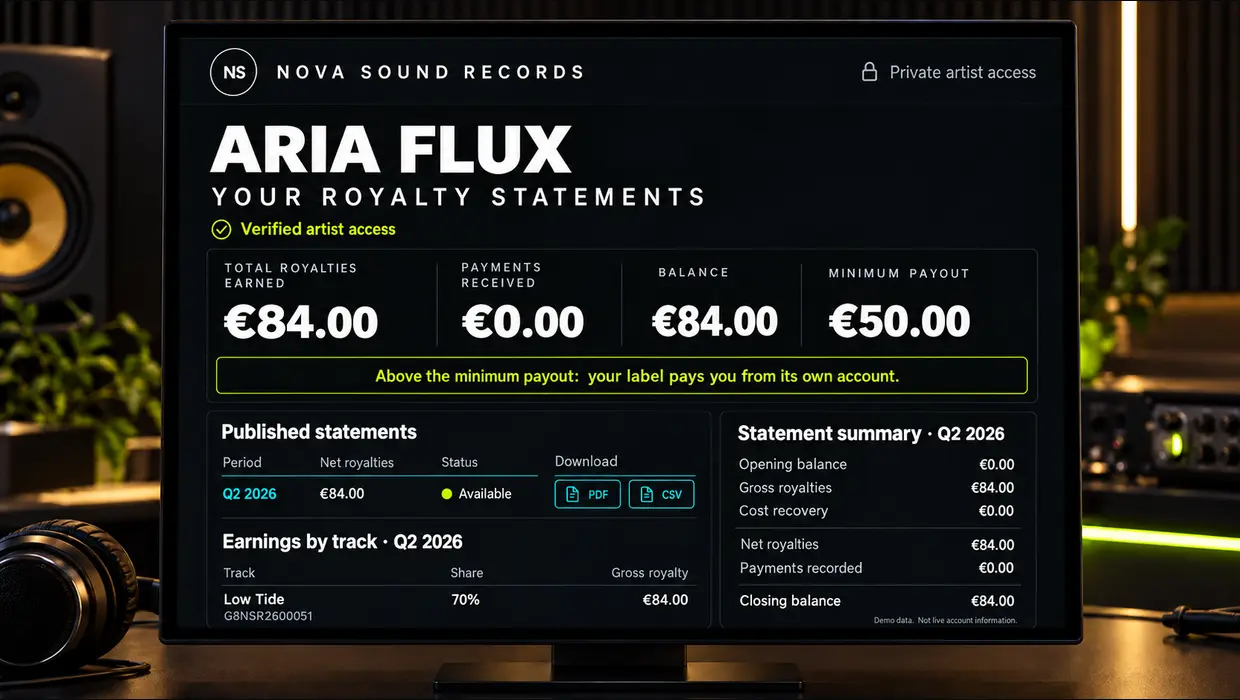
Your branding. Their private view.
Tools for the work around every release.
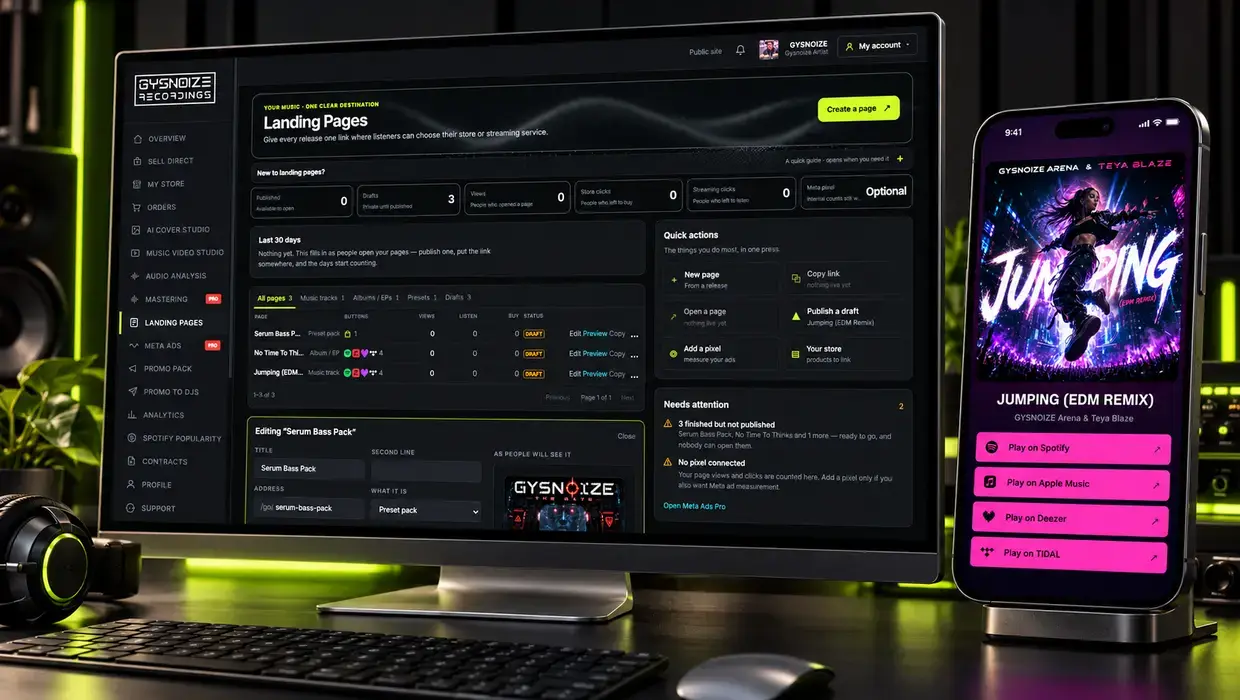
Bring your campaign together, from the first link to the DJ response.
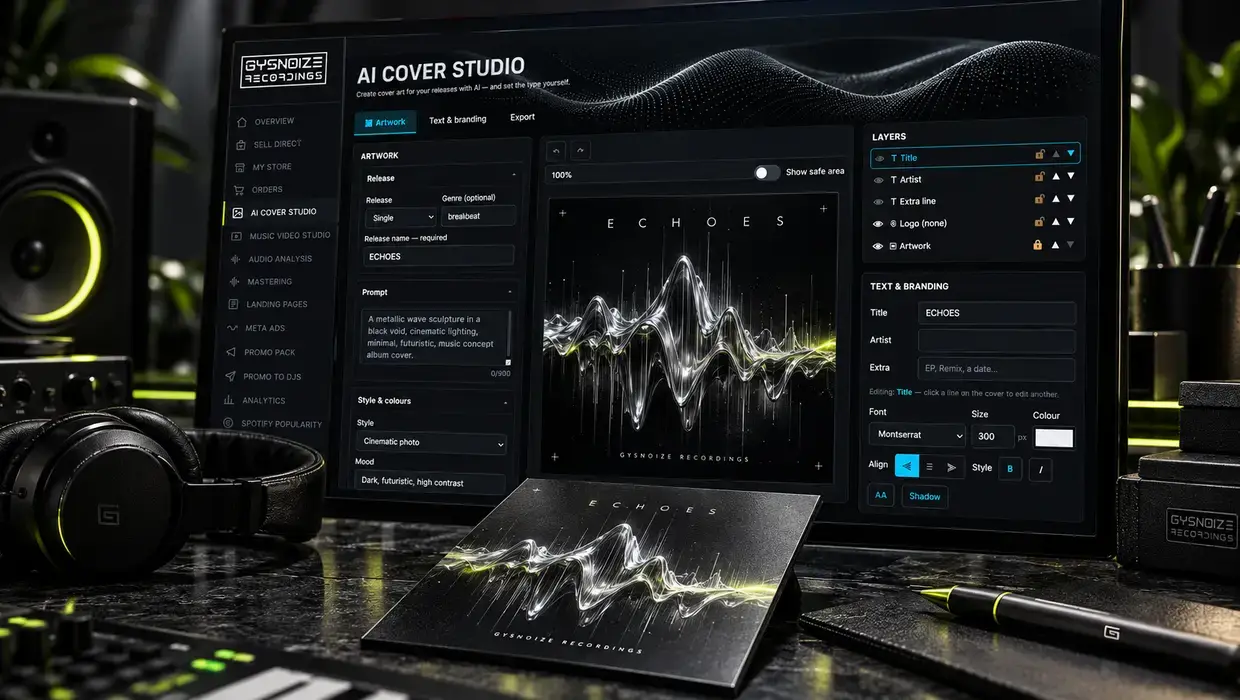
Create the visual identity for your next release with the shared creative tools.
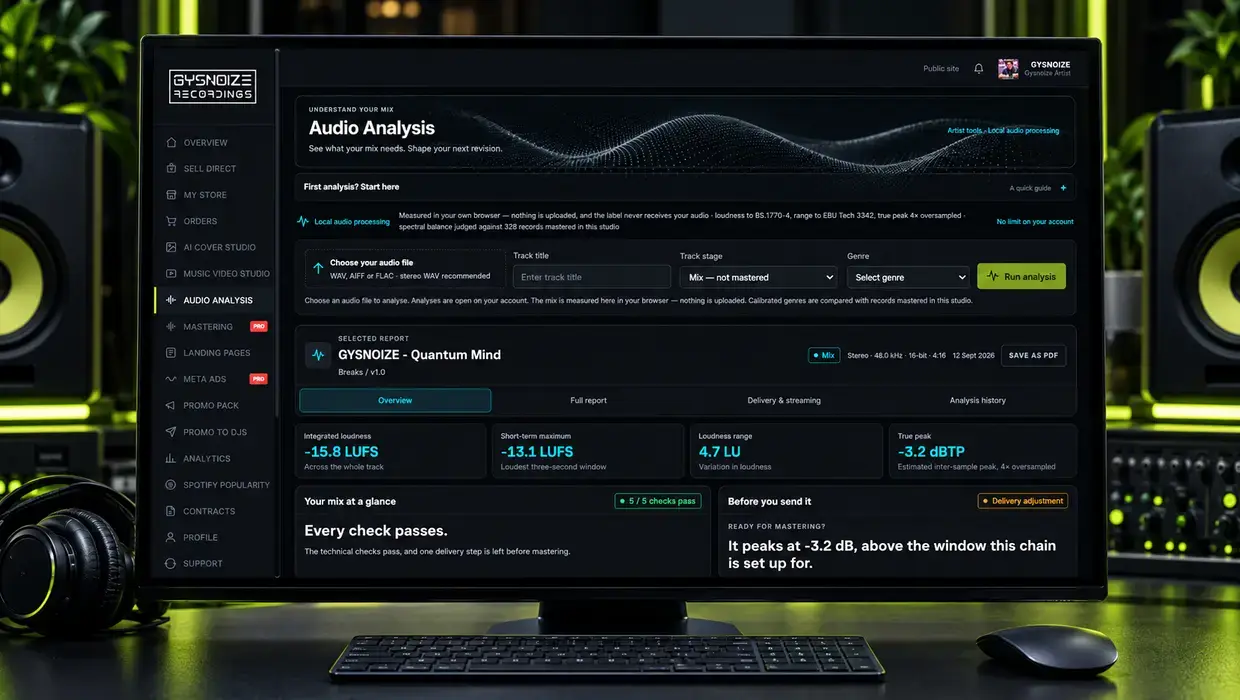
Understand the mix, prepare a revision and follow your mastering orders.
Shared creative-tool previews show the artist interface. In your label account, these tools open inside your label workspace.
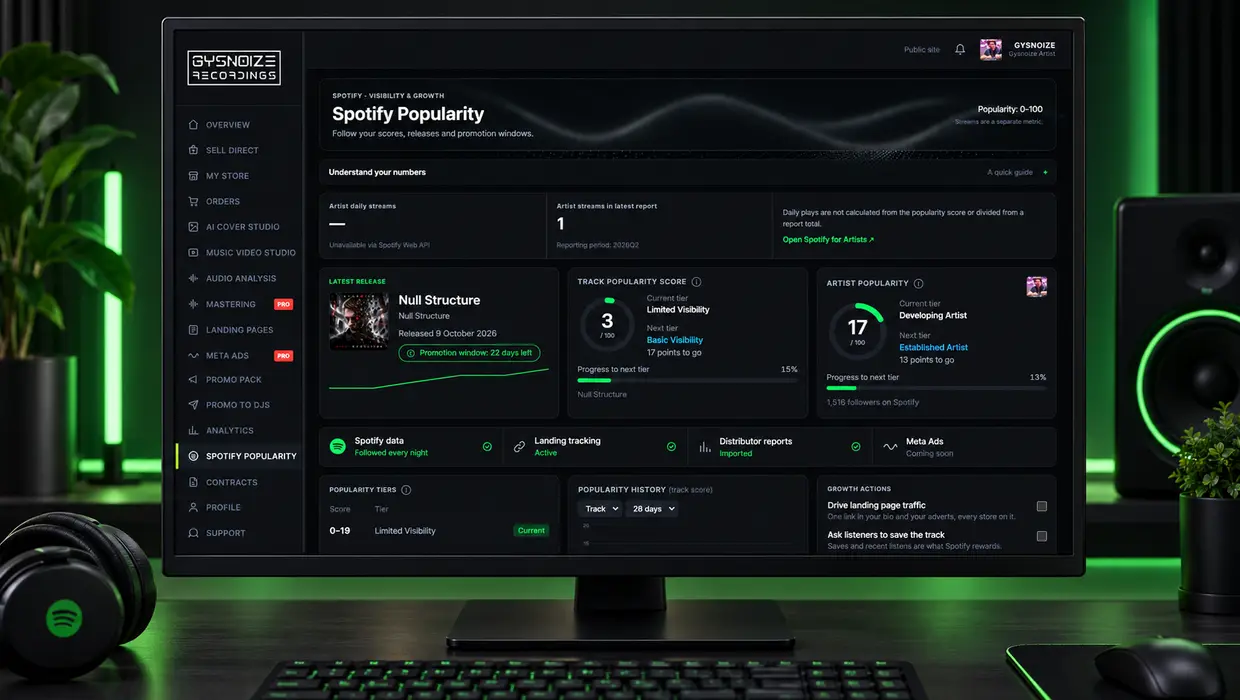
Follow your music’s momentum
Follow artist and track scores, recorded popularity history and release promotion windows.
Popularity is a 0–100 score, not a stream count. Illustrative artist-workspace preview; your account shows available data.
Explore Spotify Popularity →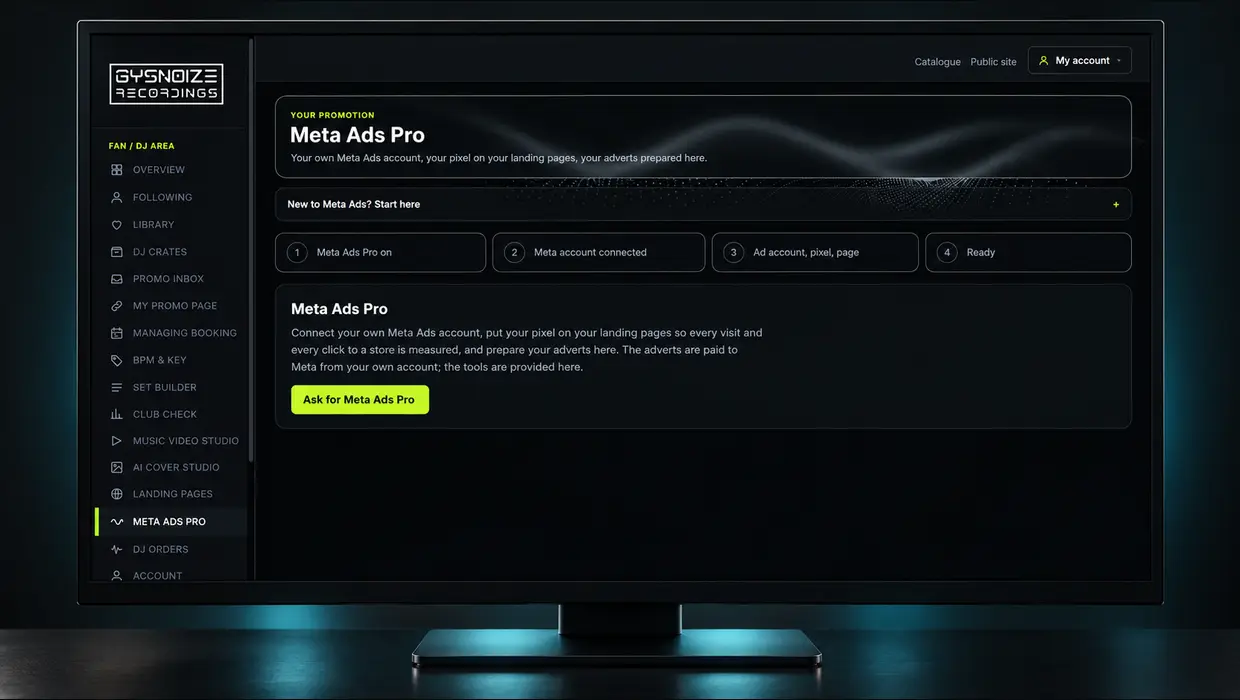
Your promotion. Your account.
Connect your own Meta account, choose your pixel and page, and prepare media, advert texts and tracked landing-page links. Review and launch in Ads Manager.
Connecting and the pixel are included in every plan; the campaign builder needs Pro activation and an eligible connection. Ad spend is separate. Direct publishing awaits Meta approval. Shared-tool preview shown in the DJ interface.
Explore Meta Ads Pro →Team roles, settings, usage, billing and support, alongside your label’s reports, artists and release tools.
Explore workspace →A clear path through the numbers.
Upload distributor CSV or Excel files. Map columns and match recordings to your catalogue.
Apply artist, release and track agreements, with cost recovery where the contract allows it.
Check the calculation, then publish PDF and CSV statements with a traceable history.
Share private artist access and record the payments you make through your own bank or service.
Your money stays yours. You pay artists through your own bank or service. The workspace records payments; it does not move money.
Your data stays private. Each label’s reports, contracts and statements are restricted to its authorised team and the relevant private artist views.
The demo uses invented data and is read-only. Available services depend on your workspace and permissions. Paid tools have their own prices.
Royalties plans are yearly. Landing pages, Demo Inbox and Meta Ads Pro are their own subscriptions, beside a Royalties plan or without one.
€199 / year
net of VAT
€242.78 / year VAT included for private buyers
€399 / year
net of VAT
€486.78 / year VAT included for private buyers
€799 / year
net of VAT
€974.78 / year VAT included for private buyers
€1,790 / year
net of VAT
€2,183.80 / year VAT included for private buyers
€3,490 / year
net of VAT
€4,257.80 / year VAT included for private buyers
€0
€4.99 / month
or €49.90 / year · net of VAT
€6.09 / month or €60.88 / year VAT included for private buyers
€9.99 / month
or €99.90 / year · net of VAT
€12.19 / month or €121.88 / year VAT included for private buyers
€19.99 / month
or €199.90 / year · net of VAT
€24.39 / month or €243.88 / year VAT included for private buyers
€14.99 / month
net of VAT
€18.29 / month VAT included for private buyers
€25.99 / month
net of VAT
€31.71 / month VAT included for private buyers
Prices net of VAT; the line under each price is what a private buyer pays, VAT included. A Royalties plan year has two limits, statement lines and royalties: an upgrade is needed when either is passed.
Built for independent labels
Explore the demo, then request your label workspace.